
The “Full-Time Worker” Voyage: How to Work Remotely from the Middle of the Mediterranean
Want to work remotely from the middle of the Med? We have tips so you can work in the morning and explore Greek ports in the afternoon.
You don’t have to choose between your job and seeing the world. With the right ship and the right plan, you can answer emails from a balcony at sunrise and walk through an old Greek port by lunch. This article walks you through how to make that happen on a Mediterranean cruise, from picking the trip to staying on top of your work once you’re at sea.
Why the Mediterranean Fits Remote Work
The Mediterranean sits in time zones that are friendly to remote workers. Most of the region runs on UTC+1 to UTC+3. That lines up well with European teams and gives U.S. East Coast workers a quiet morning before their colleagues log on.
Ports are also close together. The ship moves short distances overnight and docks early in the day. That means you spend more hours near land, where the signal is steadier. You also get to visit several countries in one trip without booking a single flight between them.
Picking the Right Cruise and Route
Not every ship is built for work. Newer ships usually have stronger Wi-Fi, and some now use Starlink, which is a big upgrade over older satellite systems. Check the ship’s launch year and internet setup before you book.
Look at the itinerary too. A route with more port days than sea days gives you more chances to use land-based internet. Greek island cruises are a strong pick here because the stops are short and frequent, often a new port every day. If steady connectivity matters to you, it’s a good reason to book a Greece Cruise over a longer ocean-crossing route.
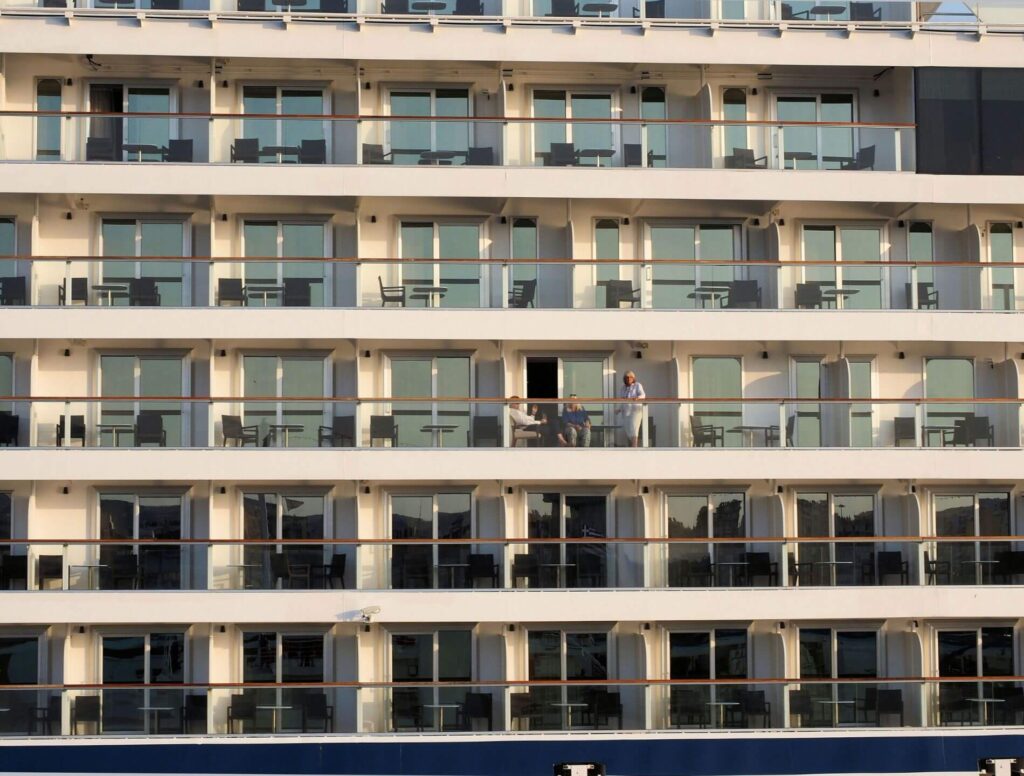
Your cabin matters as much as the ship. A balcony gives you natural light, which helps during long work hours. Pick a mid-ship cabin to feel less motion, and stay away from elevators and nightclubs so you can take meetings without background noise.
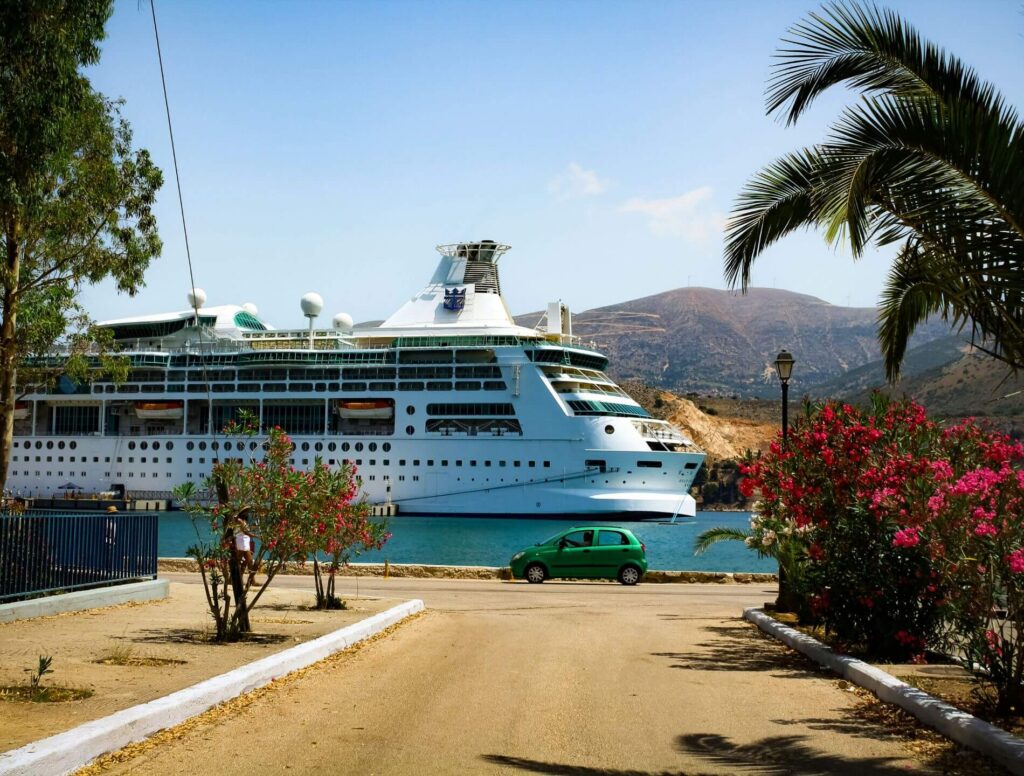
The Internet Reality on Board
Ship Wi-Fi has improved, but it still has limits. Email, chat apps, document editing, and light browsing usually work fine. Long video calls, large file uploads, and live streaming can be slow or drop out, especially during peak hours in the evening.
Most cruise lines offer basic and premium internet packages. The basic plan covers messaging and web pages. The premium plan handles video calls and is worth the extra cost if your job needs them. Buy the package for the whole trip up front, since it’s cheaper than day-by-day.
Always have a backup. Cafés near the port often have free Wi-Fi, and a local SIM card or eSIM gives you mobile data while you’re on shore. Use these for big uploads or important calls when the ship’s signal is weak.
Also read: What Is the Best eSIM for International Travel in 2026?
Turning Your Cabin Into an Office
Cruise cabins are small, but you can make them work. The vanity desk is usually large enough for a laptop. Add a small lamp if the room lighting is dim. A laptop stand and a portable monitor turn a cramped corner into a real workspace.
Bring the right adapters. Most Mediterranean countries use Type C or Type F plugs, and many cabins have both U.S. and European outlets, but not always enough. A small power strip helps. Noise-canceling headphones are a must for calls, since you’ll hear hallway noise and announcements.
Tell housekeeping your schedule. A “Do Not Disturb” sign on the door during meeting hours is the easiest way to avoid being walked in on.
Structuring Your Workday Around the Itinerary
Plan your hours around the ship’s schedule, not the other way around. If the ship docks at 8 a.m., start work at 6 a.m. and finish by early afternoon. That leaves the rest of the day for the port.
Sea days are different. With no stops, they’re perfect for deep work, long meetings, and tasks that need focus. Block your calendar early so teammates know when you’re free.
Be clear with your team about your plan. Share your time zone, your sea days, and the hours you’ll be offline for excursions. Most managers are fine with this as long as you tell them in advance.
Costs to Plan For
A working cruise costs more than a vacation cruise. The internet package is the biggest add-on, often $20 to $35 a day for the premium plan. Solo travelers also pay a single supplement, which can almost double the cabin price.
Drink and dining packages can save money if you eat at specialty restaurants often, but skip them if you mostly use the included options. When you add it all up, a two-week Mediterranean cruise often costs about the same as a month at a co-living space in a European city, with the trade-off being a moving home instead of a fixed one.
Final Tips Before You Sail
Test your setup on the first sea day, not five minutes before a big meeting. Run a video call, upload a file, and see what works. Keep a charged power bank and a mobile hotspot ready as a backup.
Be honest about your job. This setup works best for async-friendly roles where most of your work is solo and you only have a few live meetings a week. If your day is full of back-to-back video calls, the Mediterranean may not be the right fit.
Conclusion
Working from a cruise ship is a real option now, not a fantasy. The trade-offs are clear: smaller workspace, slower internet, and more planning, in exchange for waking up in a new country every morning. Start with a shorter trip, maybe a week, before you commit to a longer voyage. Once you see how your routine holds up at sea, you’ll know if the full-time worker voyage is for you.